
Understanding how Storage Drivers work for you.
Storage drivers manage reading and writing data on your internal drives, ensuring files are saved accurately and can be retrieved quickly without corruption.
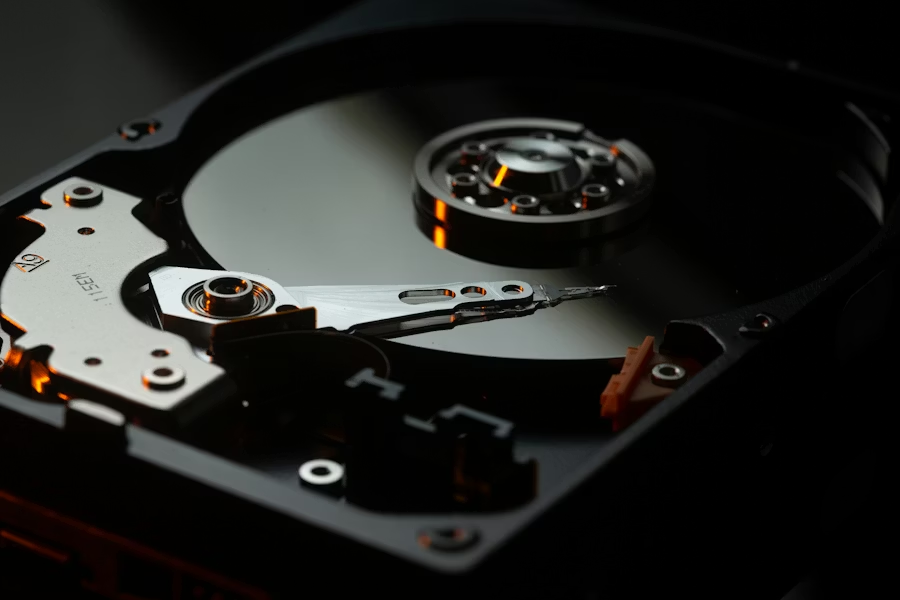
Understanding the main roles
Data Accuracy
The driver ensures that your files are written to the disk with perfect precision by checking every piece of data for errors before it is saved. It follows a strict set of rules to place information in the safest spots on the hardware so that it can be retrieved without any damage later. This careful writing process is the primary defense against "corrupted" files that can't be opened.
Speed Boost
By optimizing the way information is saved and loaded, the driver makes the entire computer feel more responsive and "snappy." It organizes the data so that the hardware can find what it needs in the shortest time possible, reducing the wait when you open a big program. This intelligent filing system allows your machine to spend less time searching and more time working.
Drive Health
The driver acts as a constant watchman for the health of your hardware, looking for early warning signs that the drive might be wearing out. It tracks how many times different areas have been used and moves data around to prevent any single spot from being overused. This proactive management helps you avoid sudden data loss by giving you a warning before the hardware fails.
Understanding how the communication flows.
Storage drivers follow different sets of rules depending on how fast your drive is. Older drives use one set of rules, while modern, ultra-fast memory drives use a much more advanced system. These newer drivers are designed to handle thousands of requests at the same time, which is why a computer with a modern drive starts up and opens programs so much faster than older machines.
Another vital role is managing the lifespan of the hardware. Modern storage chips have a limited number of times they can be written to. The driver works behind the scenes to spread the data evenly across the entire drive so that no single part wears out too quickly. It also performs 'cleanup' tasks, telling the drive which areas are no longer being used so the hardware can stay organized and fast over time.
Storage drivers can also manage setups where multiple drives work together as a single unit, either to increase speed or to make a backup copy of your data instantly. They also provide the necessary interface for security tools that scramble your data to keep it private, ensuring that the information is protected as it is written and unscrambled only when you are authorized to see it.
Understanding the process
"When you save a file, the system sends the data to the storage driver. The driver looks at the drive's internal filing system to find an empty spot. It then translates the data into physical instructions—like magnetic changes or electrical charges—that the drive hardware uses to store the info. When you open the file, the driver reverses this, finding all the scattered pieces and bringing them together."
Ready to understand more?
Explore our full directory to see how every part of your computer talks to your accessories.